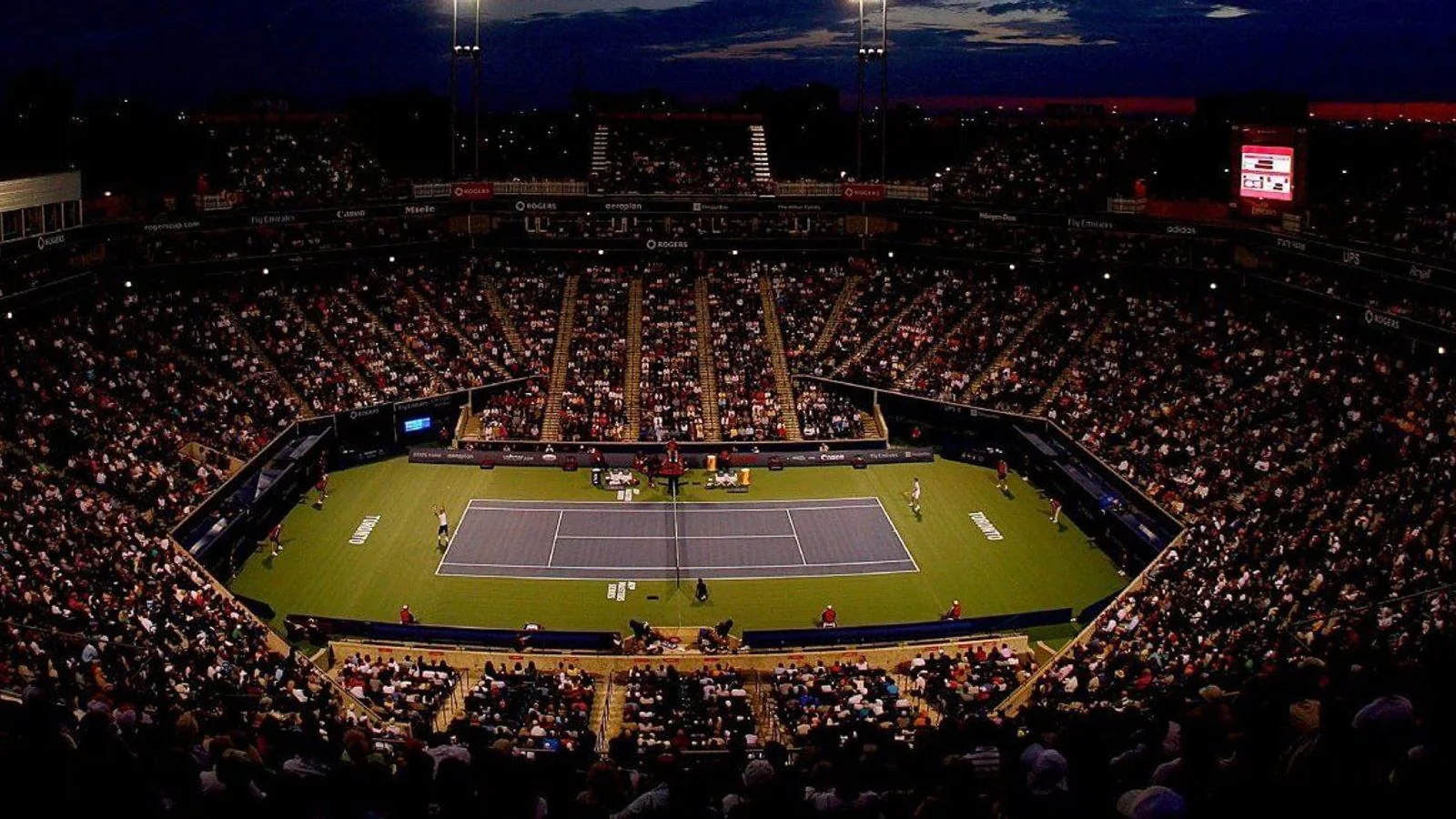
Where to find official WTA Toronto highlights
The official WTA Toronto scores page is the best starting point for 2026 National Bank Open highlights. Its “Latest videos” panel keeps clips attached to the tournament, labels the format and shows a runtime. That combination is more useful than a general video search because it helps you confirm the players, round and length before opening anything.
1. WTA event hub
Use for official highlights, hot shots, interviews and current match context.
2. Rights holder
Check your regional broadcaster or WTA TV when you want on-demand match coverage.
3. Official channel
Use the WTA or Tennis Canada channel for selected clips and tournament features.
Start at the event hub even if your goal is a YouTube video. The hub establishes that a clip is official and tells you what kind of edit it is. You can then check the WTA and Tennis Canada channels for an accessible version. Posting schedules are not identical across platforms, so a video appearing on WTA.com does not guarantee that the same item is immediately available on YouTube in every country.
If you want the entire match, move from the highlight index to the official broadcaster or on-demand service for your region. The National Bank Open identifies Sportsnet and TVA Sports in Canada and points women's-tennis viewers to WTA TV online. Subscription terms, replay windows and geographic availability can vary, so confirm the match is included before paying.
This guide was checked on August 13 while Toronto was still marked in progress. Semifinal and earlier-round highlights were available, but the singles-final highlight or replay could not exist until the match had been played and processed. A page promising a “2026 final replay” before the official result is therefore mistimed or misleading.
For a quick route, open the tournament hub, select the video with the correct player names, confirm its label and runtime, and use the regional broadcaster link if you need more than a condensed package. That sequence minimizes spoilers, wrong-year clips and unauthorized streams while keeping you closest to the official source.
Best 2026 Toronto match highlights to watch
The most useful 2026 Toronto starting set combines the two semifinals with the tournament's biggest late-round comeback. The list below reflects what the official WTA event hub displayed on August 13. It is a curated watch order, not a claim that one match was objectively better than every other match in the 96-player draw.
| Official highlight | Runtime | Why start here |
|---|---|---|
| Rybakina vs Gauff, semifinal | 4:54 | A three-set reversal that sent Rybakina to her first Toronto final. |
| Swiatek vs Svitolina, semifinal | 4:59 | Both players won a lopsided set before a decisive third. |
| Rybakina vs Osaka, quarterfinal | 6:02 | Rybakina came back after trailing by a set and 4-2. |
| Osaka vs Fernandez | 4:36 | A concise look at Osaka against the home favorite. |
If you want the championship story with the fewest clips, watch the two semifinals first. Rybakina lost the opening set to Gauff 5-7 and then won 6-2, 6-2. Swiatek defeated Svitolina 6-3, 1-6, 6-3. Those edits show each finalist responding after the match moved against her, while keeping the combined viewing time under ten minutes.
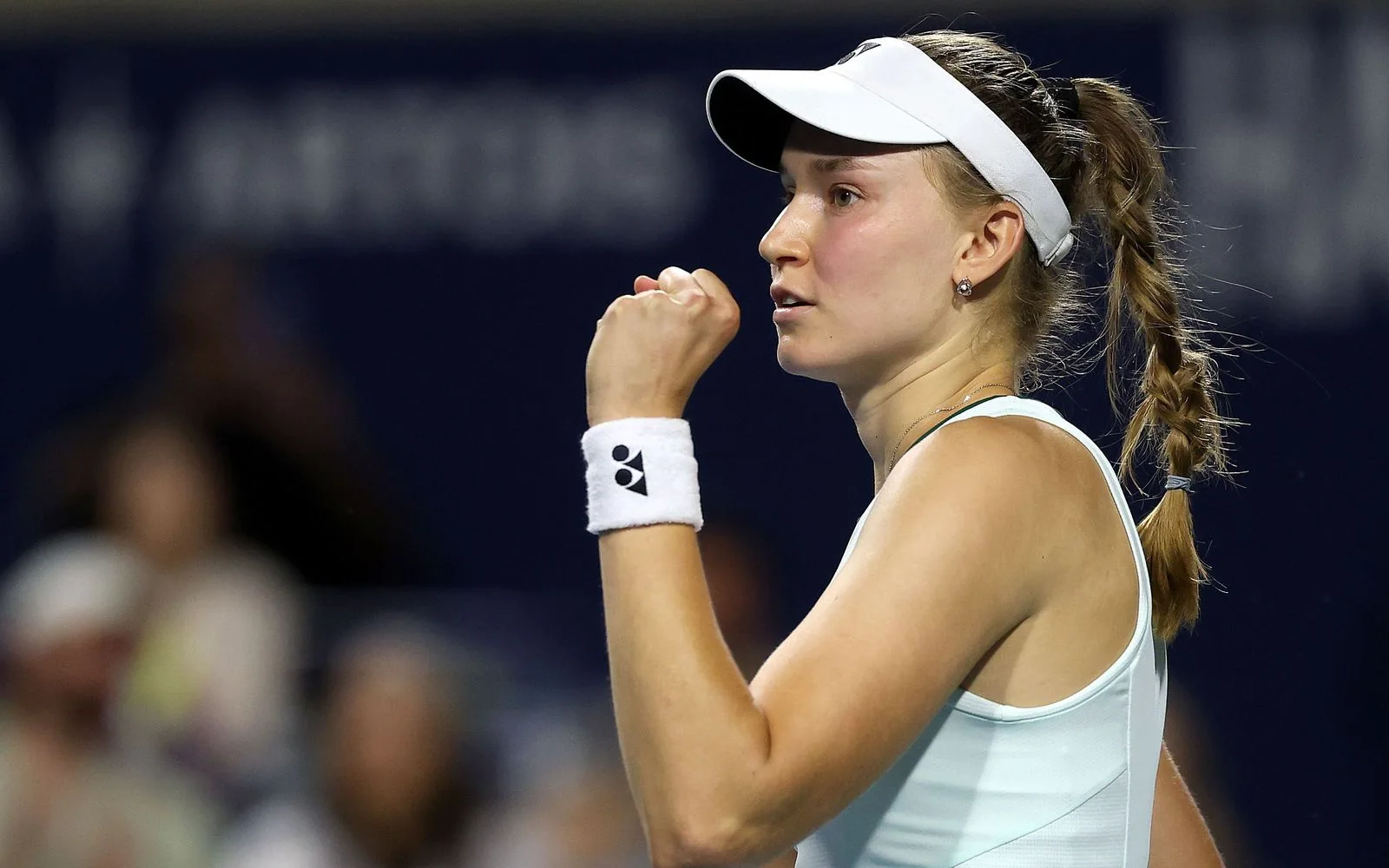
The Rybakina–Osaka quarterfinal adds context that a semifinal-only playlist misses. Rybakina recovered from 4-6, 2-4 and ultimately won 4-6, 7-6(5), 6-4. A six-minute edit cannot show the full rhythm of that contest, but it should capture the score pressure, tiebreak and decisive moments that shaped the comeback.
Toronto's library is broader than singles. The same hub listed doubles highlights, including Errani and Melichar-Martinez against Hsieh and Ostapenko, plus Siniakova and Zhang against Hunter and Krawczyk. Use the labels and player names rather than assuming the most prominent thumbnail belongs to the singles draw. New clips can move older ones lower on the panel, so date and runtime are more dependable than a fixed screen position.
Highlights vs full match replay: know the difference
A highlight package and a full match replay answer different questions. Highlights give you the score-shaping points in a few minutes. A replay preserves the sequence of games and lets you see momentum, patterns and adjustments develop. The safest test is the provider's label: the WTA uses the explicit phrase “Full match replay” when it offers a complete match, while Toronto's short edits are labelled “highlights.”
| Format | Best for | What may be missing | Spoiler risk |
|---|---|---|---|
| Highlights | Fast recap and major points | Routine games, tactical repetition and much of the momentum | High: title often names the winner |
| Full replay | Tactical study or watching as live | Possibly changeovers, delays or broadcast downtime | Medium: menus may show the result |
| Hot shot | One remarkable rally or skill | Almost all match context | Low to medium |
| Interview | Player reaction and explanation | Match action | Very high after the match |
Runtime is a helpful filter, not a guarantee. Toronto's current official highlights generally run for about three to six minutes, whereas a full three-set replay should be much longer. Yet a long page video can include studio analysis, and some on-demand broadcasts remove changeovers. Read the title and format label before relying on duration alone.
Choose highlights when you have ten minutes and want the decisive swings. Choose a full replay when you want to study return position, service patterns or how a player responds across several games. A condensed edit can show three spectacular returns but cannot reveal how many routine returns missed or how often the same serve location was used.
For spoiler-free viewing, do not begin with a web search. Official headlines often celebrate the winner, and thumbnails may show the post-match handshake. Enter your broadcaster or WTA TV account directly, turn off sports notifications, navigate by tournament and date, and start the replay from the on-demand menu. Even then, avoid the progress bar preview if it displays the recording length or set markers.
Finally, “full replay” does not always mean an untouched stadium feed. Rights holders can trim rain delays, medical breaks or long changeovers while preserving every point. If your purpose is detailed analysis, confirm whether the recording contains the complete point sequence; if your purpose is simply to enjoy the match, the official full-match label is normally sufficient.
WTA TV, Sportsnet, TVA Sports and regional replay rights
Replay access begins with geography. The National Bank Open names Sportsnet as the official English broadcaster in Canada and TVA Sports as the official French broadcaster. It also links WTA TV as the online provider for women's-tour coverage and says a subscription is required. These services have different roles and catalogs; they should not be treated as one universal replay library.
| Service | Official role | What to verify |
|---|---|---|
| Sportsnet | Canadian English broadcaster | Your plan, channel and on-demand replay window |
| TVA Sports | Canadian French broadcaster | Schedule, login access and replay listing |
| WTA TV | Official women's-tour online option linked by the event | Country availability and whether Toronto is included |
| Other regional holder | Country-specific licensed coverage | Use the broadcaster finder on the WTA event page |
Sportsnet's watch page listed the National Bank Open women's final on August 13 and required sign-in or subscription, which confirms the official Canadian route was active. That live listing does not by itself establish how long the replay stays available. On-demand windows can change, so save the event in the app and check the replay menu soon after the broadcast.
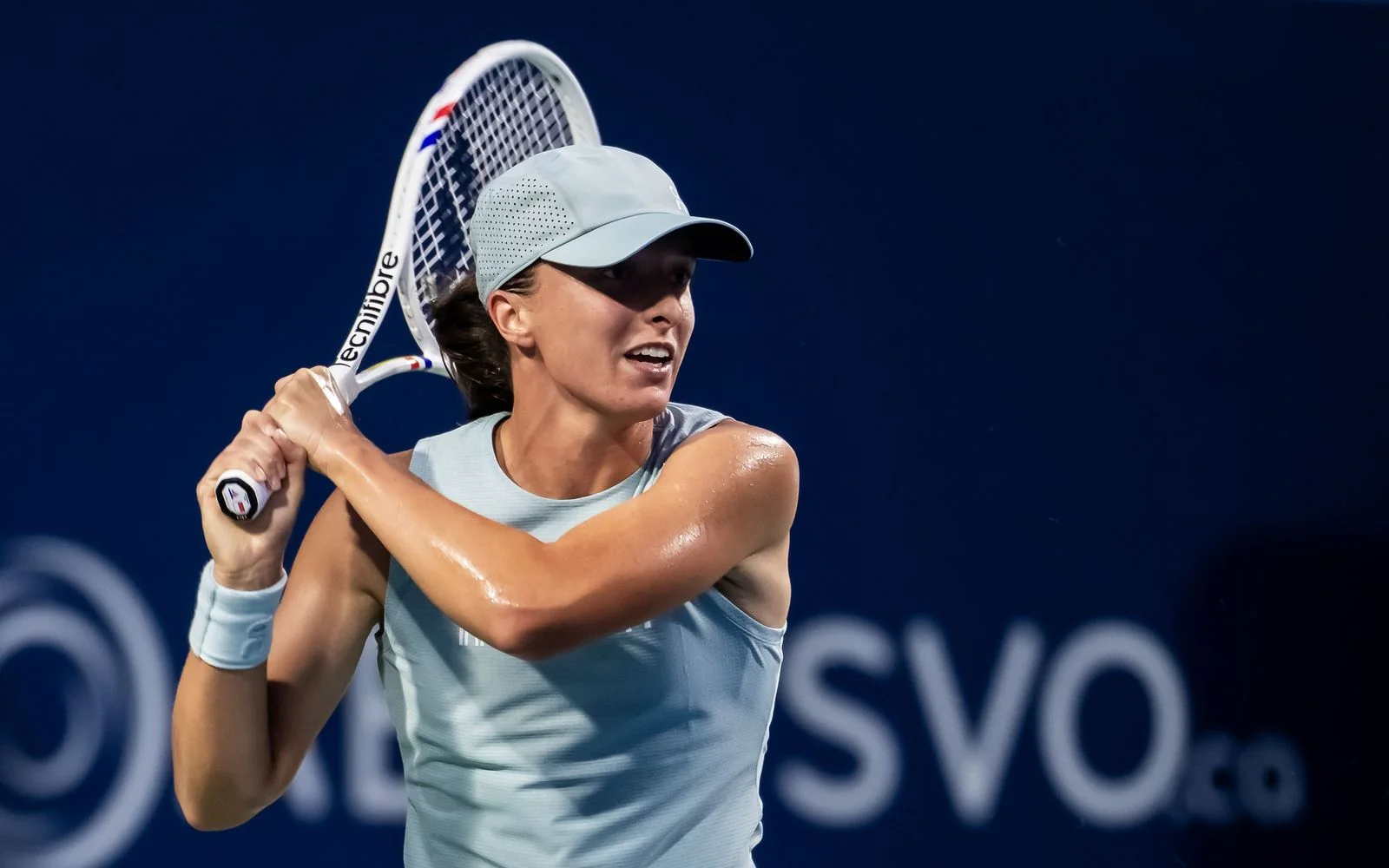
WTA TV returned an automated-access error during research, but that does not prove the consumer service is unavailable. The authoritative fact is that the tournament links it as an official online provider. Open the service normally in your browser or app, sign in, set the correct country and search by tournament date. If Toronto does not appear, use the regional broadcaster finder rather than trying unlicensed mirrors.
Before subscribing, verify six items: country, plan, tournament, round, on-demand access and supported device. Also check whether casting or smart-TV playback is included if that matters to you. A package can carry the live channel without keeping every replay, while another may keep Centre Court but not an outer court. The match listing—not a general marketing phrase—should decide your purchase.
Rights and blackout rules can change between seasons. An answer that worked for Toronto 2024 or Montreal 2025 may not describe Toronto 2026. Begin with the current National Bank Open and WTA pages, then follow the provider named for your region. That is the most reliable legal path and the least likely to leave you paying for the wrong catalog.
How to use YouTube without falling for fake live streams
YouTube is useful for official WTA Toronto highlights, but a polished thumbnail and the word “LIVE” do not prove a channel owns match rights. The safest route is to follow the YouTube link from the National Bank Open broadcast page or open the established WTA channel. YouTube says a verification badge identifies the official channel of a creator, company or public figure and helps distinguish similar names.
Check before you press play
- ✓ Channel is WTA or the Tennis Canada destination linked by the tournament
- ✓ Verification badge and handle match the established brand
- ✓ Title names the correct players, round, city and 2026 event
- ✓ Description links back to official tennis properties
- ✓ Upload timing makes sense relative to the match
- ✓ No demand for off-platform payment or suspicious download
A channel name containing “Official,” “Live” or “WTA” is not sufficient. YouTube's impersonation policy specifically recognizes that look-alike names and copied branding can mislead viewers. Check the actual handle, channel history and badge. A legitimate fan analysis channel can be unverified and useful, but it should not pretend to be the rights holder or present copied match footage as an authorized live feed.
Timing is another strong signal. A complete final replay cannot be uploaded before the final is played. A stream showing a static graphic, recycled warm-up footage or an unrelated video while promising live Centre Court action is not the broadcast you searched for. Close it without entering payment details, downloading software or following a shortened external link.
Use a precise query such as “WTA Toronto 2026 Rybakina Gauff highlights WTA” and then filter by the official channel, upload date and video description. If the clip does not appear, return to the WTA tournament hub. It may be available there first, restricted by region or reserved for a subscription product. Repeating broad searches can push misleading high-engagement results above the authentic source.
YouTube also notes that a channel may post a replay or highlights after a live stream ends; “may” is the important word. Neither WTA nor Tennis Canada is required to post every court or a full replay for free. If only a short official edit is available, use the licensed broadcaster or WTA TV for longer on-demand coverage rather than treating an unauthorized upload as the missing official version.
If you encounter a convincing impersonation, use YouTube's report tools. Do not engage with the channel to test it, and do not share the link as a warning without context; that can send more viewers to the deceptive page. The simple habit of entering through an official tennis site eliminates most of the ambiguity before the search begins.
Replay troubleshooting and Toronto video FAQ
When a Toronto replay does not open, first identify which problem you have: the video has not been published, your account or region lacks rights, or the player is failing technically. Refreshing an app cannot create a replay that has not been posted, and changing devices cannot grant a subscription tier that does not include the match.
Content check
Confirm the official hub lists the correct year, round and player names.
Access check
Sign in and verify country, plan, broadcaster and replay entitlement.
Playback check
Update the app, test the connection and try a supported browser or device.
Why does YouTube say the Toronto video is unavailable in my country?
YouTube says owners can limit videos by country, commonly because of licensing rights, and local laws can also restrict content. Use the WTA broadcaster finder and the licensed service for your actual location.
Why can I find highlights but not the full match?
Short official highlights and a full replay are separate products. The free clip may be the only public video, while the complete match sits with a subscription rights holder—or is not retained on demand.
Is a free full replay guaranteed on YouTube?
No. The tournament promotes selected official channel content but does not promise that every complete match will be posted free. A channel may publish highlights or a replay after a stream, but it is optional.
Can I use a VPN to bypass the restriction?
This guide does not recommend bypassing geographic rights. Service terms and local rules still apply. Choose the provider licensed for the country where you are watching.
Where is the 2026 Toronto final replay?
At the August 13 check, the official WTA hub still showed the event in progress and no final highlight or replay. Recheck after the match is officially completed and processed.
How do I fix buffering or a playback error?
Test your connection, lower resolution, sign in again, restart the app or device, update the app/browser, and try without a conflicting extension. If the error persists across devices, check the provider's service status or support.
If an official clip has disappeared, search the event hub by year rather than assuming it was deleted permanently. Libraries can be reorganized as new videos arrive. Save the match title and date, then search inside the licensed provider. That preserves the distinction between a discovery problem and an access problem—and prevents technical troubleshooting from sending you toward unsafe copies.